Disclosure: Lumy publishes this guide and makes one of the eight apps compared. Each app is matched to the reader it suits using the same six criteria; competitor details come from vendors' own pages and app-store listings, checked 15 September 2026. We ran no lab accuracy tests and do not repeat vendors' accuracy percentages as fact.
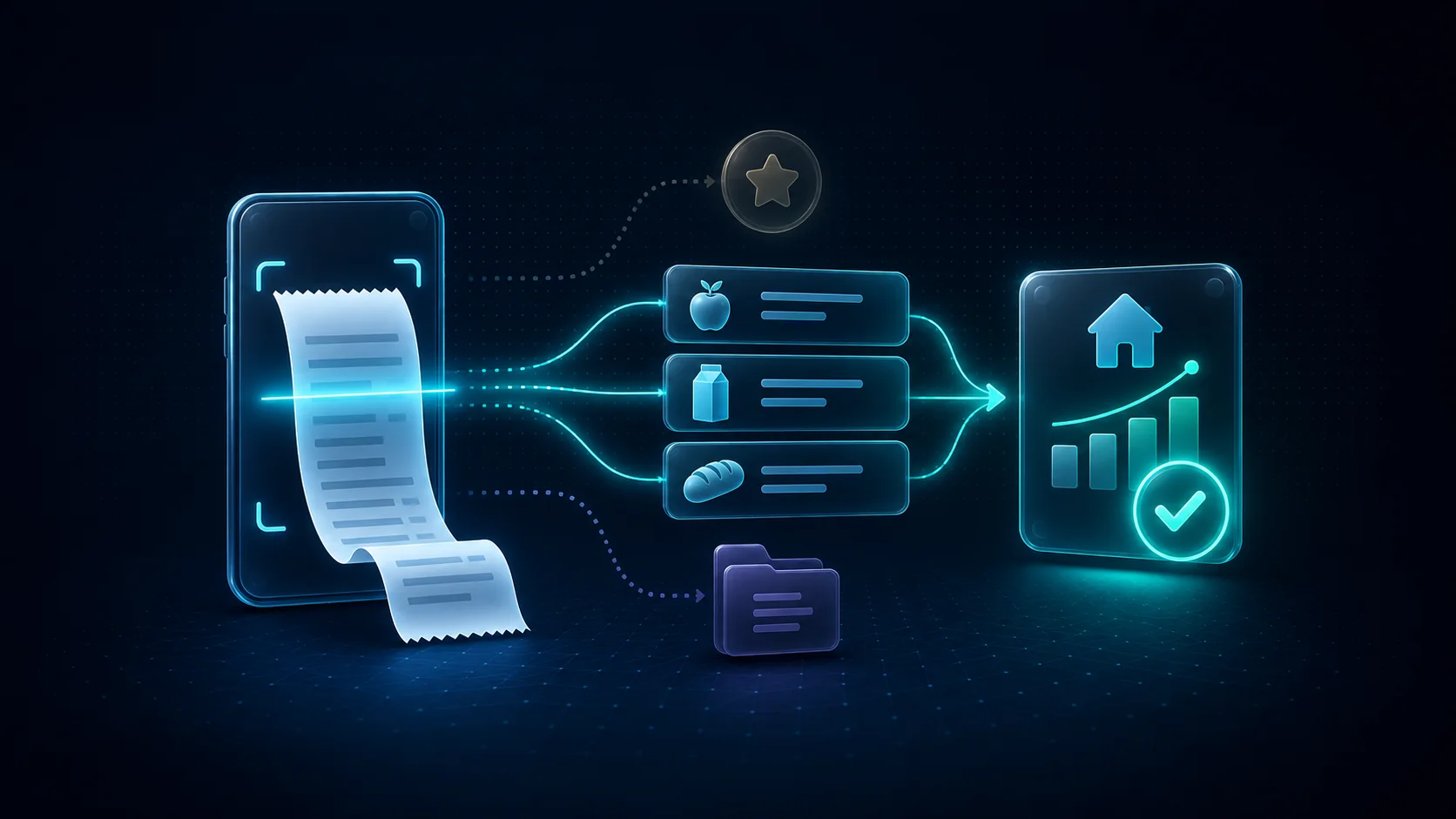
Most results for "receipt scanner app" are cashback apps that pay points for proof of purchase, or business tools that turn receipts into expense reports. Neither answers the household question: what did we buy, what did it cost, and is it getting more expensive? That needs a scan to become budget data (product lines, categories and a price history), not a stored image or a single total.
Quick answer
- Grocery price tracking: Groceries Tracker (groceries only, every item extracted) or Lumy (product price history and shopping lists priced from your own receipts).
- A shared family budget: Lumy (family sharing on Pro); Spendee if you also want bank feeds; Receiptix for a shared project such as a renovation.
- Cashback: Fetch, for US shoppers only, used alongside a budget app rather than instead of one.
- Business or tax records: Expensify, with unlimited free SmartScans on personal accounts.
- European receipts: Lumy, built against decimal commas, Cyrillic, Romanian diacritics and deposit lines.
- Privacy first: SenticMoney (data in one file on your Windows or Mac computer) or Finny (Apple devices only, data on the device by default).
Receipt scanner, cashback app or expense app?
These apps share a camera button and little else.
- Cashback apps such as Fetch reward purchases with points; they do not build a budget.
- Business expense apps such as Expensify capture merchant, date, total and currency as proof for reimbursement or tax. Right for that job, too coarse for a grocery budget.
- Budget receipt scanners keep product lines, categories and discounts you can compare next month.
Pick cashback to earn something back, a business app when an employer, accountant or tax authority needs proof, and a budget scanner when you want to change what you buy.
Totals only or line items? A decision rule
A totals-only scan records one number per receipt; a line-item scan records every product. The gap is widest at the supermarket, where one receipt mixes food with everything else. An illustrative weekly shop (numbers invented for the example):
| Line on the receipt | Amount | Where a line-item scan files it |
|---|---|---|
| Nine food items | €38.62 | Groceries |
| Loyalty discount on coffee | −€1.20 | Groceries (reduces the coffee line) |
| Laundry detergent | €9.99 | Household |
| Toilet paper, 8 rolls | €4.49 | Household |
| Wine | €7.99 | Alcohol |
| Bottle deposits, 6 × €0.25 | €1.50 | Deposits (refundable) |
| Carrier bag | €0.40 | Household |
| Total paid | €61.79 | One transaction |
A totals-only app records "Groceries, €61.79". Line items show food was €37.42, about 61% of the receipt; the other €24.37 went on household goods, wine, a bag and refundable deposits. Repeated weekly, a totals-only grocery budget overstates food by roughly €97 a month, and it cannot say whether coffee got cheaper or was simply on promotion.
The rule: mark every non-food line on your last three supermarket receipts. If those lines add up to more than you would accept being misfiled in a month (pick your own threshold; €20 is a reasonable start), or you want to know which products are rising, you need line items. Totals are enough for single-purpose receipts such as fuel, pharmacy or restaurants, or when receipts are only proof for warranties and reimbursements. Why bank statements miss product inflation shows the same gap from the bank's side.
How the apps were chosen and compared
Each app had to scan paper receipts, be sold to consumers and have official documentation. Six criteria:
- Capture: totals only, or product lines with discounts.
- Free scanning: how many receipts you can scan before paying.
- Price: as listed on the vendor's site or the US App Store; your country may differ.
- Platforms: phone, web or desktop.
- Bank link: required, optional or absent.
- Sharing and export: can a second adult see the data, and can you leave with it?
Comparison table
| App | What a scan captures | Free scanning | Listed paid price | Platforms | Bank link | Sharing and export |
|---|---|---|---|---|---|---|
| Lumy | Merchant, date, total, currency, payment method, product lines incl. discounts, deposits, tax | None; Pro (trial in app) | Varies by country | iOS, Android | None | Family sharing (up to 6) and export on Pro |
| Groceries Tracker | Every item, price, brand, category | 13 uploads, lifetime | $50/year | iOS, Android, web | Not stated | Groups (2 people free, 5 Premium); export on Premium |
| Receiptix | Merchant, date, total, items with quantity and price | First expenses (number not stated) | $8.99/month, $69.99/year, $99.99 lifetime (US App Store) | iOS, Android, web, Chrome | Not stated | Shared projects; export on Premium |
| SenticMoney | Line items (Standard) | None | $39/year; 100 receipts/month | Windows, Mac, phone capture | None; statement import | Profiles on one install; Excel export on Standard |
| Finny | Amount, merchant, date | One AI request; 3-day trial | $3.49 or $24.99 (US App Store) | Apple only | None; screenshot import | Sharing not stated; free CSV export |
| Spendee | Price, category, labels, notes | None; Premium | $5.99/month or $35.99/year | iOS, Android | Optional | Shared wallets (Plus, Premium); export |
| Expensify | Merchant, date, total, currency | Unlimited (personal) | Paid workspace for categories | Web and mobile | Not needed | CSV export (web) |
| Fetch | Reward points only | Free | Free | iOS, Android; US only | Not needed | Not applicable |
App-by-app notes
Lumy
Best for: families who want supermarket receipts, European ones included, to become product price history and priced shopping lists without a bank connection.
Strengths: the receipt scanner reads merchant, date, total, currency, payment method and each product line, including discounts, deposits and tax lines. Extraction was built against Latin and Cyrillic printing, Romanian diacritics, decimal commas, two-line prices and long receipts photographed in parts. Prices feed Opportunities (overpayments and increases against your own history), and shared shopping lists are priced from what you paid before. If lines do not add up to the printed total, Lumy flags the receipt.
Limits: scanning, family sharing and export need Pro. Every scan is a draft you review before saving, which takes time on long receipts. There is no bank import, list totals use past prices rather than current shop prices, and Lumy publishes no accuracy figure.
Price: free to download; Pro varies by country (see Free and Pro).
Groceries Tracker
Best for: a grocery-only tracker with store price comparison and a web dashboard.
Strengths: photos and PDF e-receipts are read into every item, price, brand and category, several at once, with edits possible before saving. It also advertises store price comparison and discount totals.
Limits: the 13 free uploads are lifetime, then 20 hand-typed receipts a month; free groups hold two people; export and currency conversion are Premium. The feature page promises "no review queue", so checking categories is up to you.
Price: $4.17 a month, billed $50 a year (pricing).
Receiptix
Best for: couples or groups tracking a shared project, such as a renovation, with item detail and per-member totals.
Strengths: it extracts merchant, date, total and each item with quantity and price, reads receipts in any language with currency detection, and shows an editable review before saving. It runs on iOS, Android, the web, Apple Watch and Chrome.
Limits: only your first expenses are free (number not stated), no product price history is described, and its annual price is the highest among the competitors in the table.
Price: $8.99 a month, $69.99 a year or $99.99 lifetime (US App Store).
SenticMoney
Best for: households that budget on a Windows or Mac computer and want their data in a file they control.
Strengths: Standard reads line items and splits one purchase across budgets. SenticMoney says transactions stay in one file on your computer. There is no bank login; it imports statements (CSV, Excel, OFX, QFX; PDF on Standard).
Limits: no scanning on Free, and Standard caps it at 100 receipts a month. The phone is a companion to the computer, and two adults on separate devices is not a described setup.
Price: $39 a year with a 30-day money-back guarantee.
Finny
Best for: iPhone users who want fast, private logging with no bank connection.
Strengths: it processes up to five images at once, including banking screenshots, and the listing says it captures amounts, merchants and dates. Data stays on the device by default, and import and export are free.
Limits: Apple devices only, so mixed-phone households cannot share it. We found no official statement that it keeps product lines, so treat it as totals-level. Sharing is not mentioned.
Price: Pro at $3.49 or $24.99 (US App Store), with a three-day trial.
Spendee
Best for: households that want bank feeds and shared wallets first, with scanning as a convenience.
Strengths: Magic AI Scan fills in the price, category and labels or notes, in multiple languages. Bank connections are available, and shared wallets come with Plus or Premium.
Limits: scanning needs Premium and produces a transaction, not product lines. Plus costs $1.99 a month on Spendee's site but $3.99 in the US App Store, so check at checkout.
Price: Premium $5.99 a month or $35.99 a year (pricing).
Wallet by BudgetBakers is similar: its privacy policy says receipt scans use OCR and OpenAI models to extract amount, date and merchant, and bank sync and Group Sharing are Premium. No official page confirmed which plan includes scanning, so Wallet is not in the table.
Expensify
Best for: freelancers, side businesses and tax or reimbursement records.
Strengths: unlimited free SmartScans on personal accounts, email forwarding and CSV export.
Limits: categories and tags need a paid workspace, a real obstacle for a household budget. Scans are totals-level, and CSV export is web-only.
Price: the features above are free; workspace plans cost extra.
Fetch
Best for: US shoppers who want points for receipts they already have.
Strengths: free, no credit card needed; points convert to gift cards, and most rewards start at 3,000 points.
Limits: US only and no budgeting. Decide whether the reward justifies scanning each receipt twice.
Price: free.
Run a 10-receipt test during any free trial
Vendor pages describe design, not how an app handles your shops. Trials are short, so gather ten receipts from a real week and scan them in one sitting.
| # | Receipt to photograph | What to check |
|---|---|---|
| 1 | Long receipt (30+ lines) in two or more photos | Each line once; no duplicates at the overlap |
| 2 | Loyalty or promotion discounts | Discount attached to the right product |
| 3 | Bottle deposits or bag fees | Separate lines, not folded into a price |
| 4 | Faded thermal receipt | Total and date right; unreadable lines flagged, not invented |
| 5 | Crumpled or folded receipt | Lines across the fold read correctly |
| 6 | Weighed produce (0.842 kg × €2.49/kg) | Quantity, unit and price kept apart |
| 7 | Multi-buy line (2 × €1.19) | Quantity 2, not one item at €2.38 |
| 8 | Foreign currency or script | Decimal separator right: 13,70 is not 1,370 |
| 9 | Restaurant bill with a tip | Total matches what you paid |
| 10 | Pharmacy or hardware receipt | Not forced into groceries |
Score each receipt on four things: total correct, merchant and date correct, lines captured out of lines printed, and minutes spent correcting. Count receipts 1–4 twice; you will scan receipts like them every week. Prefer an app that warns you when lines do not match the total over one that saves a mismatch silently.
Mistakes that corrupt a price history
- Saving a promotion as the normal price. Keep the discount visible, or next month's regular price will look like inflation.
- Merging pack sizes. A 750 g and a 1 kg bag under one name make unit prices meaningless.
- Keeping till abbreviations. "SEMI SKM 1L" and "Milk semi-skimmed" become two products. Rename once, then stay consistent.
- Double-scanning long receipts. Overlapping photos or rescans duplicate lines; compare the saved total with the paper.
- Using the scan date. Wednesday's shop scanned on Sunday lands in the wrong week.
- Accepting a misread decimal. €13.70 read as €1,370 distorts every average.
Keeping receipt data private: a checklist
- Find out where the photo goes. SenticMoney says images go to its proxy and are discarded; BudgetBakers says OpenAI models analyse them without training on them; Lumy keeps receipt photos on the device while expenses and product lines sync to your account.
- Decide on a bank link. Receipt-only apps never see your bank login; bank-sync apps trade that for automatic transactions.
- Check what the receipt prints. Loyalty numbers, card digits and sometimes your name appear. Know who in the household can see saved images.
- Agree what is shared. Decide which accounts are joint and which stay private before the first scan.
- Test export and deletion early, before you have a year of history to lose.
When a spreadsheet is enough
If you shop at one store once a week and track 10–15 staples, a spreadsheet with date, store, product, pack size, price and a promotion flag works without a subscription. Typing is the cost, and it grows with long receipts, two shoppers or priced shopping lists. Our guide to tracking grocery prices from receipts sets up the sheet.
What this comparison cannot tell you
No app was lab-tested, and vendor accuracy figures are not independent. Official pages describe capability, not reliability on your receipts. Prices change over time and by country, and "not stated" means undocumented, not missing. Lumy wrote this comparison, so use the 10-receipt test to check what we say about Lumy too.
FAQ
Which app is best for scanning receipts?
For budget data, one that keeps line items: Lumy, Groceries Tracker, Receiptix or SenticMoney Standard. For reimbursement, Expensify. For points in the US, Fetch.
Is there a receipt scanner budget app that works without linking my bank?
Yes. Lumy, Finny and SenticMoney say they never connect to banks, and Groceries Tracker and Receiptix do not advertise bank links. Spendee and Wallet offer bank sync as an option.
What is the best app to scan receipts for expenses?
For work or tax, Expensify (unlimited free SmartScans on personal accounts). For household spending, a budget app with categories and line items.
Can I use a receipt scanner app for personal use for free?
Partly. Expensify scans for free but charges for categories, Groceries Tracker gives 13 lifetime uploads, and Fetch is free but US-only. Lumy, Spendee and SenticMoney put scanning in paid tiers.
Can a grocery receipt scanner track price changes?
Only if it stores product lines. Groceries Tracker advertises store price comparison, and Lumy builds a price history from product lines. Totals cannot show which item rose.
Do cashback apps like Fetch help with budgeting?
Not directly. Fetch's FAQ covers points and gift cards, not budgets, so use it alongside a budget app.
Your next step
Keep every receipt this week. On Sunday, run the three-receipt non-food check above. If line items matter, pick two apps from the table whose free scans or trial cover ten receipts, run the 10-receipt test, and keep the one with the lowest correction time on receipts 1–4. If Lumy is one of them, start the trial in the app and scan your longest receipt first; the grocery price tracker page shows where those product lines go next.
Sources and methodology
Official vendor pages and US App Store listings, checked 15 September 2026. Lumy facts come from Lumy's product documentation.
- Groceries Tracker pricing
- Groceries Tracker receipt scanner
- Receiptix home
- Receiptix receipt scanning
- Receiptix App Store listing
- SenticMoney pricing and FAQ
- Finny home
- Finny App Store listing
- Spendee Magic AI Scan
- Spendee shared wallets
- Spendee pricing
- Spendee App Store listing
- BudgetBakers privacy policy
- BudgetBakers Wallet
- Expensify free features
- Expensify receipt scanning
- Fetch FAQ
Prepared and reviewed: 15 September 2026.